

Brand · Register identity
The Lofrio brand, ready to use.
Logo files, colours, type and the rules for using them. Every logo, cover, profile and icon shown here can be downloaded.

01 · Logo
Ten approved treatments.
Six wordmarks and four symbols. Use the primary wordmark on light surfaces, the reverse on dark surfaces, and ink on amber. Choose the transparent artwork so it sits cleanly on the surface.
Wordmarks


Symbols


Every treatment in the kit also comes as a transparent PNG, a solid-background PNG and a JPG, at several sizes. For a 144 px navigation logo on a 2× screen, use the 288 px transparent PNG or the SVG.
02 · Clear space and size
Give it room.
- Clear space. Keep text, graphics and edges out of the area around the logo. The solid-background files already include this breathing room.
- Smallest wordmark. 80 px wide, the smallest size in the kit.
- Smallest symbol. 16 px, for browser tabs. Below 32 px use the symbol, not the wordmark.

03 · Colour
One amber. Everything else is quiet.
Amber is the one accent colour. Ink and paper do the rest, so the amber always reads as the signal.
#E8950CThe brand colour. Never tint, shade or replace it in the logo.#17181BText, dark surfaces and the dark half of the logo.#FBFAF7The page background.#FFFFFFCards and panels.Supporting colours
#D4870AHover and pressed state of amber buttons#FFF4DESoft amber backgrounds#A26400Amber text on amber-soft and light surfaces#5B5E66Secondary text#8A8D95Muted text#E6E3DCHairlines#D9D4C8Outlines and dividers#2F7D4FConfirmations#B4382FErrors and destructive actions#2F5FB3Information04 · Type
Two typefaces.
Display · Sora
Aa
From booking to delivery.
Headings and display. Weights 400 to 700, with −0.02em letter-spacing.
Text · Figtree
Aa
Agents book on your address. You review every photo, then deliver the listing under your company’s name.
Body text, labels and buttons. Weights 400 to 800.
05 · Do and don’t
Use it as it is.
The logo is finished artwork. Place it; don’t change it.


06 · Social and app
Profiles, covers and icons.
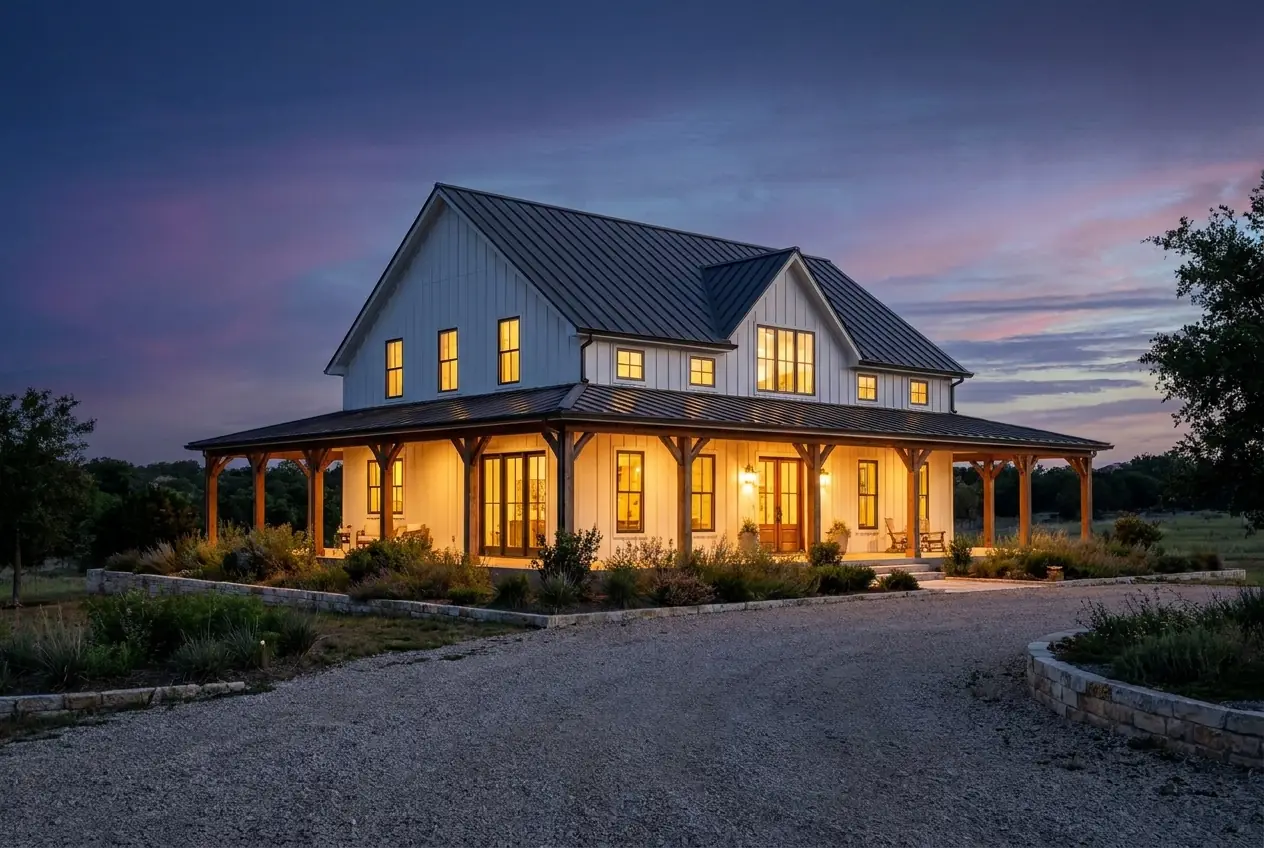
Use a square symbol for the profile. Covers come in two layouts: a dark Register wordmark and an amber exposure reveal. Check each platform’s crop preview before publishing.
Cover sizes in the kit: LinkedIn company 4200 × 700, LinkedIn personal 1584 × 396, X 1500 × 500, YouTube 2560 × 1440, Facebook 1640 × 720. Need a file that isn’t here, or not sure about a use? support@lofrio.com