
ProductPhotoAI photo editing01 / 17
Brackets in, gallery out.
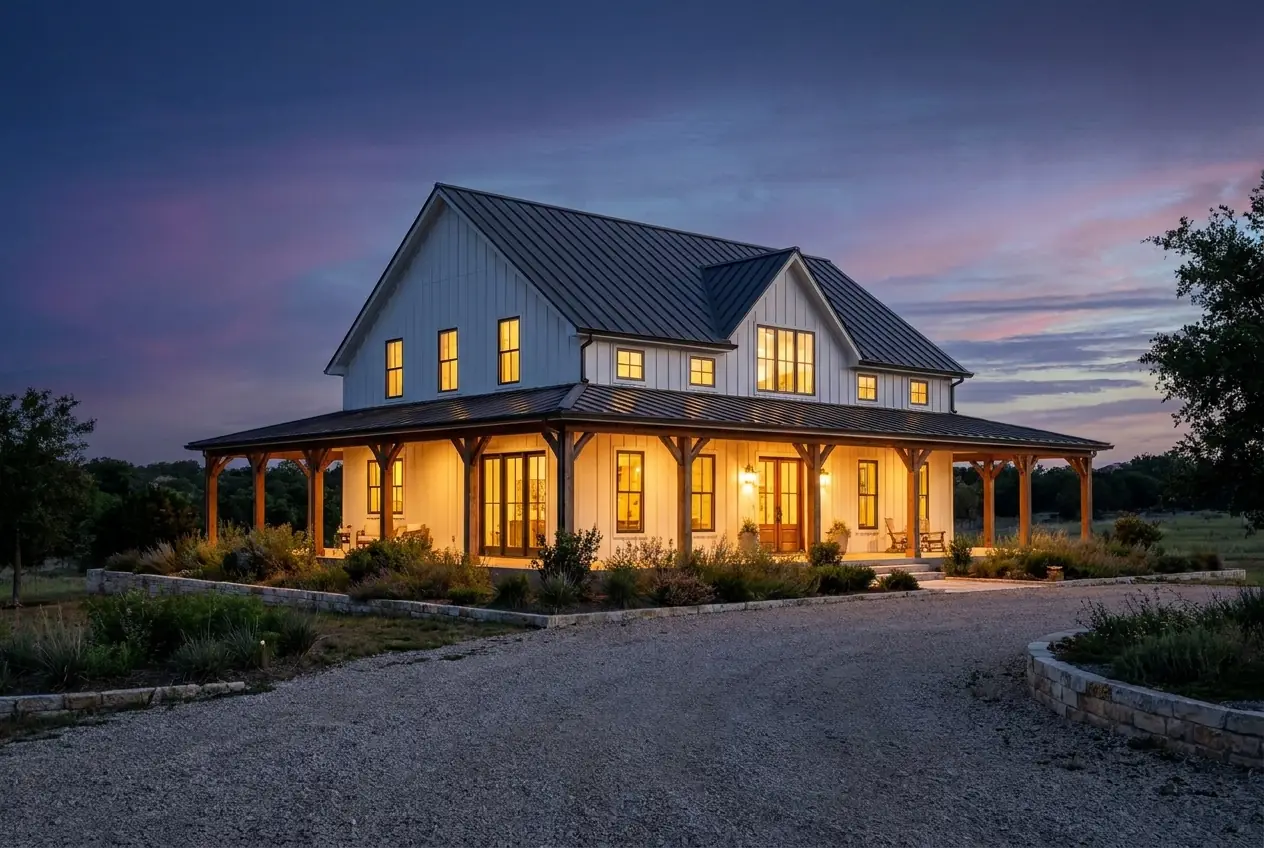
Upload a single RAW or JPG, or a set of 3 or 5 brackets. Lofrio merges them to HDR, then Lofrio 2.1 edits the photo with accurate colour and a natural look, consistent across the listing.
Keep scrolling: the exposures merge to HDR, then Lofrio 2.1 edits the photo.
AI photo editing
What’s in it.
- 01
HDR merge
Brackets are registered and fused into one HDR image before any editing starts.
- 02
The Lofrio 2.1 edit
Colour-accurate, natural results, in the style you pick, consistent from the first photo to the last.
- 03
Window pull
Recover the view through the windows, or pull the windows and add a new sky.
- 04
Upscale, if you want it
An optional upscale after the edit. Ready-to-deliver sizes are then made automatically.
- 05
Bracket review
See each room’s exposures grouped together and move a frame to the right group before anything uploads.
- 06
Room tagging, folders and tags
Rooms are tagged in the browser as you go. Sort with folders and tags, and hide photos from the gallery or the website.
Next · Photo
The editor & its tools